I have been using boring proxy for a few years, successfully, no complaints, I love it for my development setup.
Since about a year now, I have been running a homelab and my current setup is:
Nginx Proxy Manager (NPM) on a VPS for exposing my home services, i find it easier to manage and maintain.
Boring Proxy on another VPS for exposing local development server ports, with HTTPS.
The day has finally come and i’m setting up my own mail server at home (hopefully). I guess i could run the whole thing through boring proxy but i would rather have them both (npm and boringproxy) running side by side for this purpose: NPM would manage all certificates and expose the regular HTTP / HTTPS ports but i want to tunnel the other ports - 110, 995, 143, 993, 25, 465, 587 - through boring proxy.
So i am trying to set them up side by side through docker, on the same server but i haven’t figured out how to achieve this.
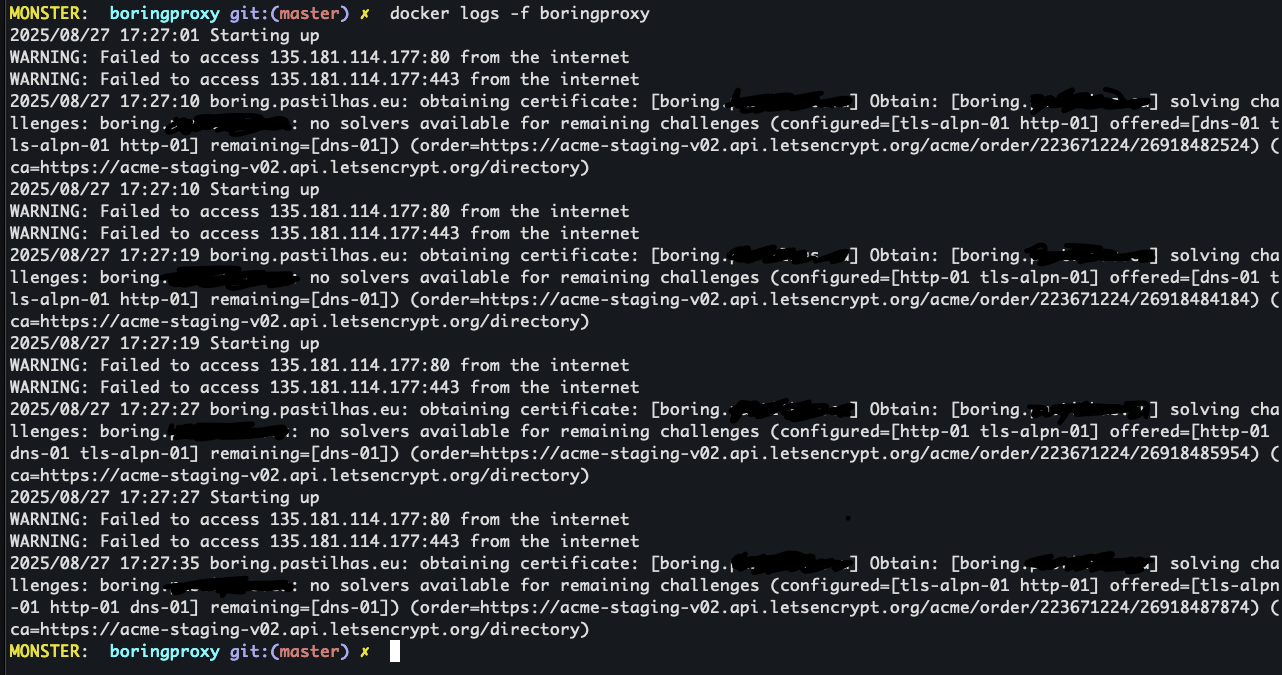
I think i’m almost there but after so many tries i got temporarilly “banned” from letsencrypt and today is the day so i don’t want it to happen again.
This is my current docker-compose.yaml:
(with a lot of back and forth with chatgpt)
services:
  boringproxy:
    build:
      context: .
      dockerfile: Dockerfile
      args:
        VERSION: "local"
        GOOS: "linux"
        GOARCH: "amd64"
        ORIGIN: "local"
    image: boringproxy:with-cacerts
    ports:
      - "80:80"
      - "443:443"
    container_name: boringproxy
    restart: unless-stopped

    # Only expose the admin UI on loopback so it never conflicts with NPM
    #ports:
    #- "127.0.0.1:8080:80"

    # Persist DB
    volumes:
      - ./data:/data

    # Run the server with your domain + public IP
    command: >
      server
      -admin-domain boring.mydomain.com
      -public-ip 135.181.114.177
      -acme-email me@mydomain.com
      -db-dir /data/

    # Optional: keep the path to the CA bundle explicit (our image already sets this)
    environment:
      - SSL_CERT_FILE=/etc/ssl/certs/ca-certificates.crt
      - USER=boringproxy
      - HOME=/storage
The way i’m trying this is i shutdown NPM while i’m launching boring proxy and after all is successful (hopeful), change the exposed ports and launch NPM again.
Anyway, sorry for the long post but i would like to your help in knowing if:
Is this even possible? or i’m running a fool’s errand?
any suggestions on what i may be doing wrong or how i could make my life easier?
Do you even need boringproxy anymore? Can you just use NPM for everything? Obviously this won’t work if you need to tunnel to devices on other networks
You should be able to avoid Let’s Encrypt rate limit issues by running boringproxy with -acme-use-staging
Do you only need boringproxy for raw TCP tunnels, or does it need to terminate TLS in some cases? Trying to get both NPM and boringproxy to terminate TLS could be really tricky, because boringproxy can only get certs if it has access to port 80 and/or 443. It might actually require 443. Can’t remember if it works with the HTTP-01 challenge.
If you try to run boringproxy behind NPM, make sure to include -behind-proxy. I wouldn’t spend too much time trying to get this to work. It’s likely buggy.
Not sure but i think NPM doesn’t handle raw TCP tunnels.
2., 3. will definitely use -acme-use-staging, wasn’t aware of that and i think that will probably work as NPM handles all TLS certificates also through letsencrypt.
Definitely not doing that
Thank you, will try this out later today and will post an update.
Update
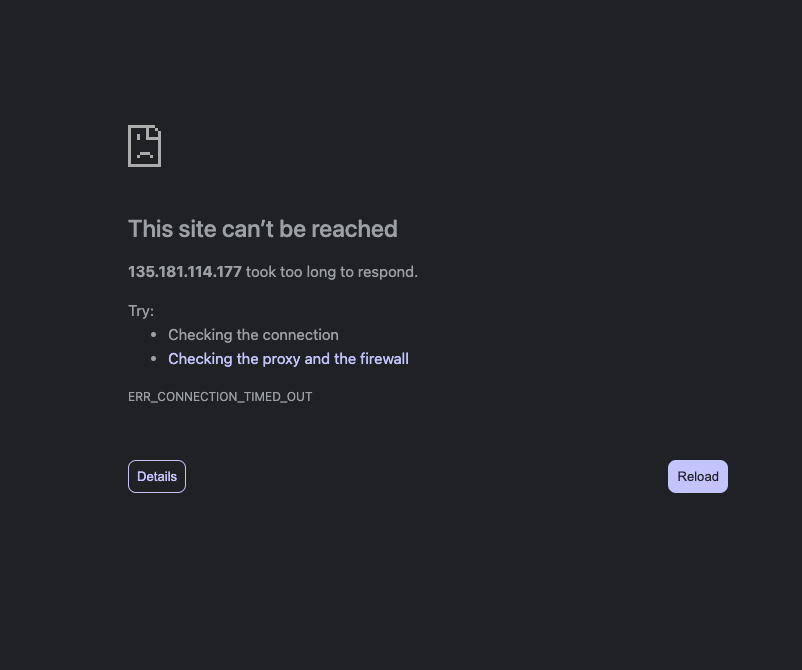
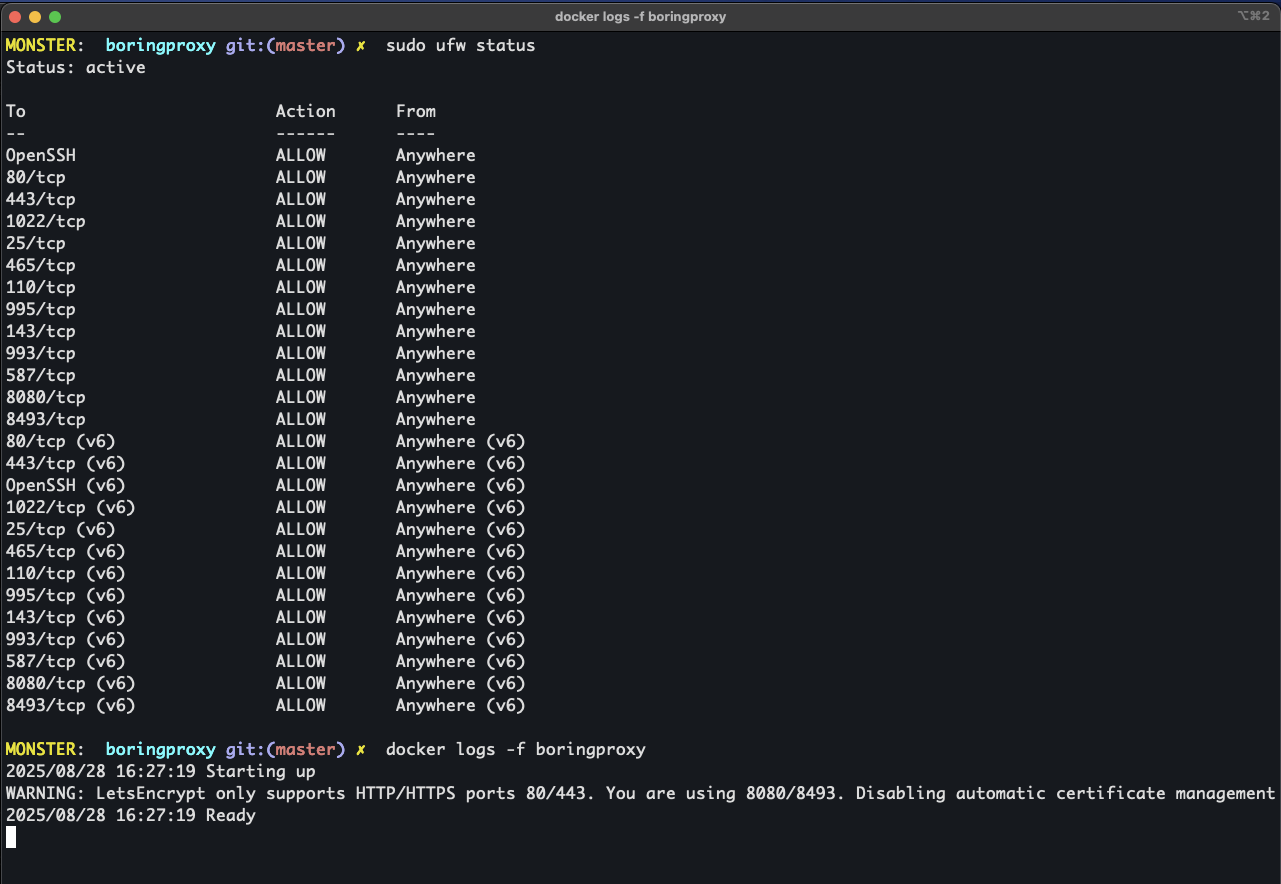
Tried it, not successfully, as soon as i reactivate npm and change boringproxy’s ports configuration to:
services:
  boringproxy:
    # Build from your local Dockerfile (the one we just updated with CA certs)
    build:
      context: .
      dockerfile: Dockerfile
      args:
        VERSION: "local"
        GOOS: "linux"
        GOARCH: "amd64"
        ORIGIN: "local"   # change to "remote" if you want it to git-clone
    image: boringproxy:with-cacerts
      #ports:
      #- "80:80"
      #- "443:443"
    container_name: boringproxy
    restart: unless-stopped

    # Only expose the admin UI on loopback so it never conflicts with NPM
    ports:
      - "8080:8080"
      - "8493:8493"

    # Persist DB
    volumes:
      - ./data:/data

    # Run the server with your domain + public IP
    command: >
      server
      -admin-domain boring.pastilhas.eu
      -http-port 8080
      -https-port 8493
      -public-ip 135.181.114.177
      -acme-use-staging
      -behind-proxy
      -acme-email me@pastilhas.eu
      -db-dir /data/

    # Optional: keep the path to the CA bundle explicit (our image already sets this)
    environment:
      - SSL_CERT_FILE=/etc/ssl/certs/ca-certificates.crt
      - USER=boringproxy
      - HOME=/storage
Only remaining thing I can think of is setting -allow-http and then using the HTTP port for everything. I’m really not sure this setup will work though. Definitely search the forums and github for other people running behind nginx. I know several have, but it’s just not functionality I’ve really used.